Image Optimisation
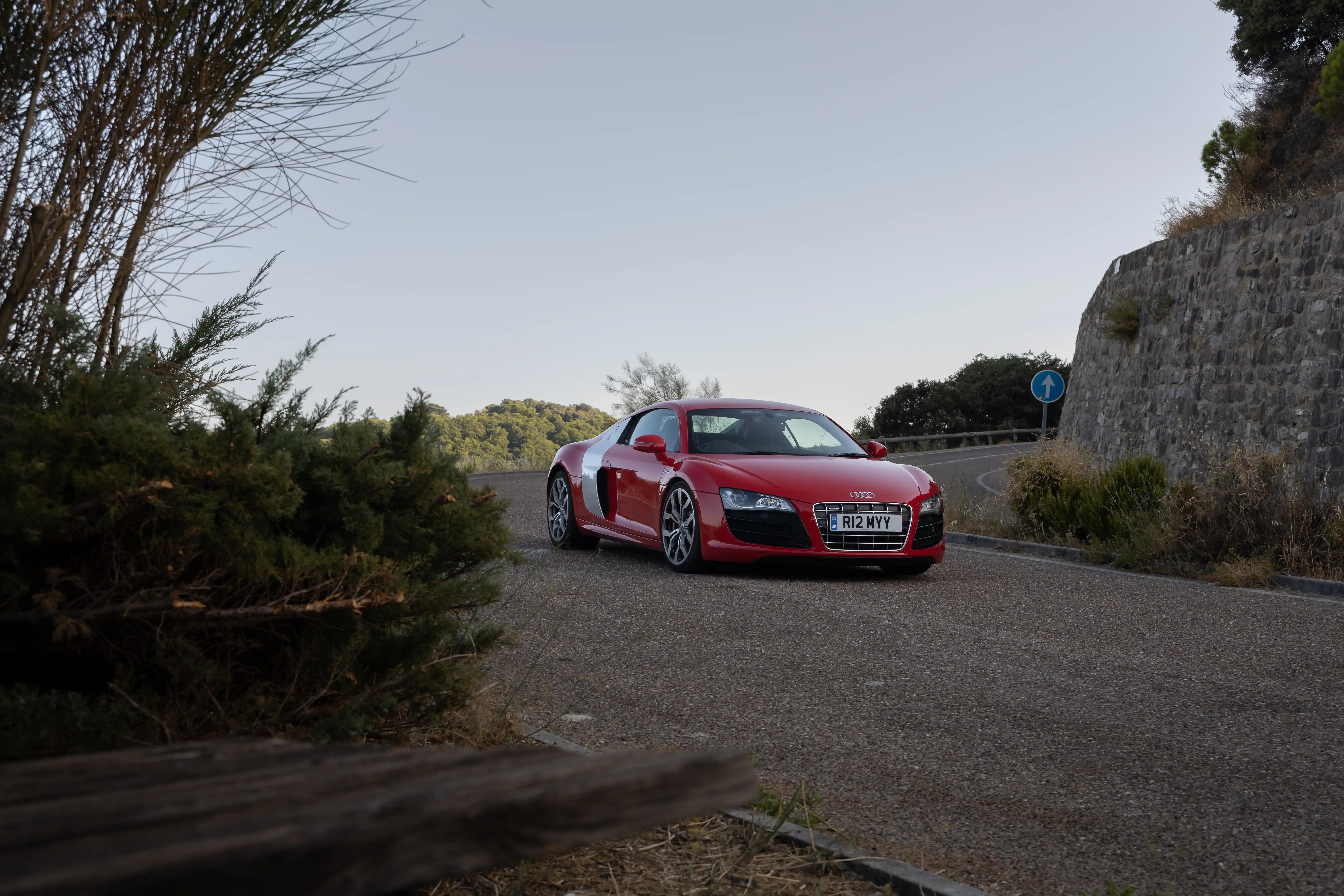
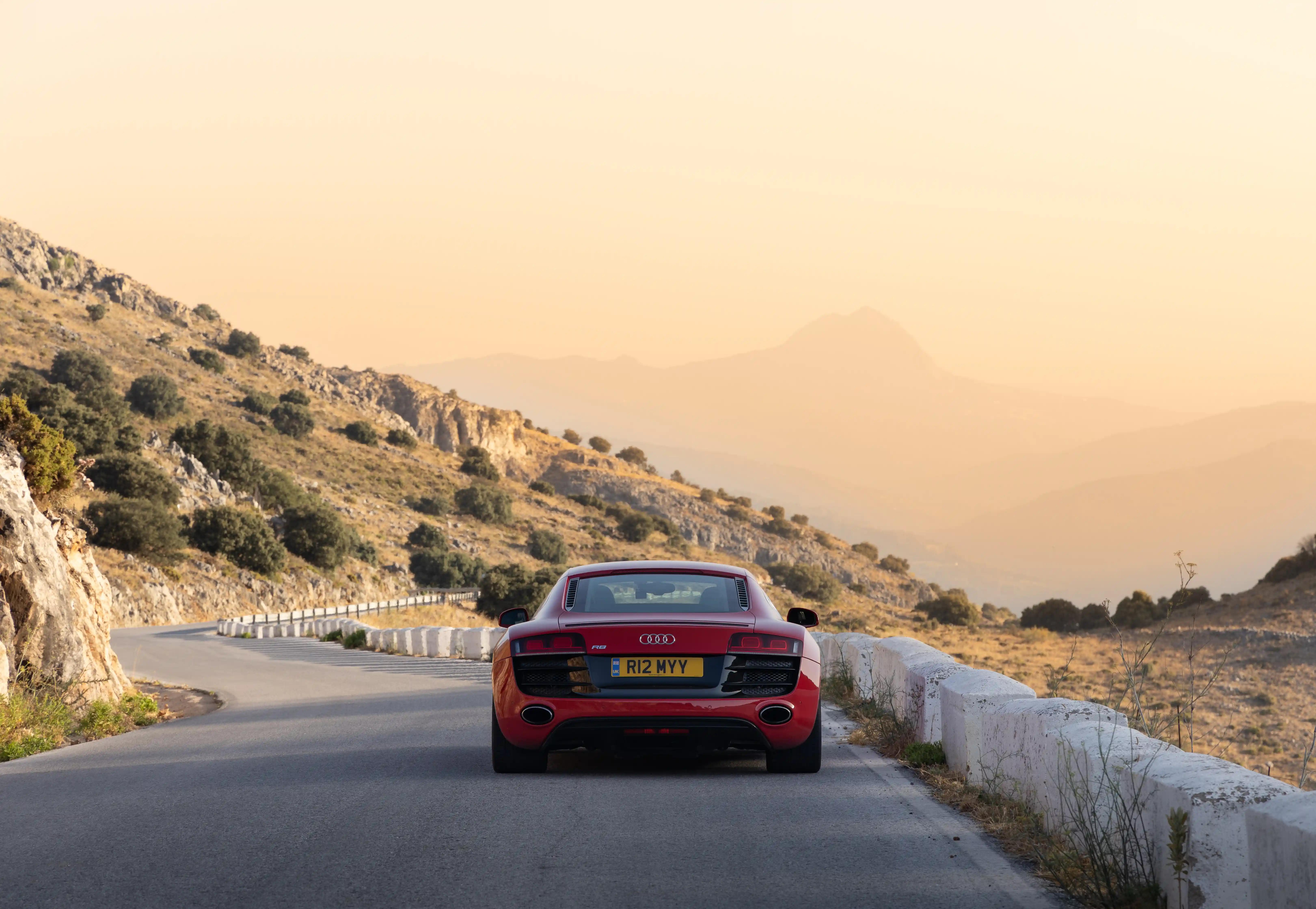
Show the difference between a standard export and a properly optimised final image
Drag from the centre to the right to reveal the final optimised version. The image quality stays strong, but the delivered asset is lighter and better suited to the web
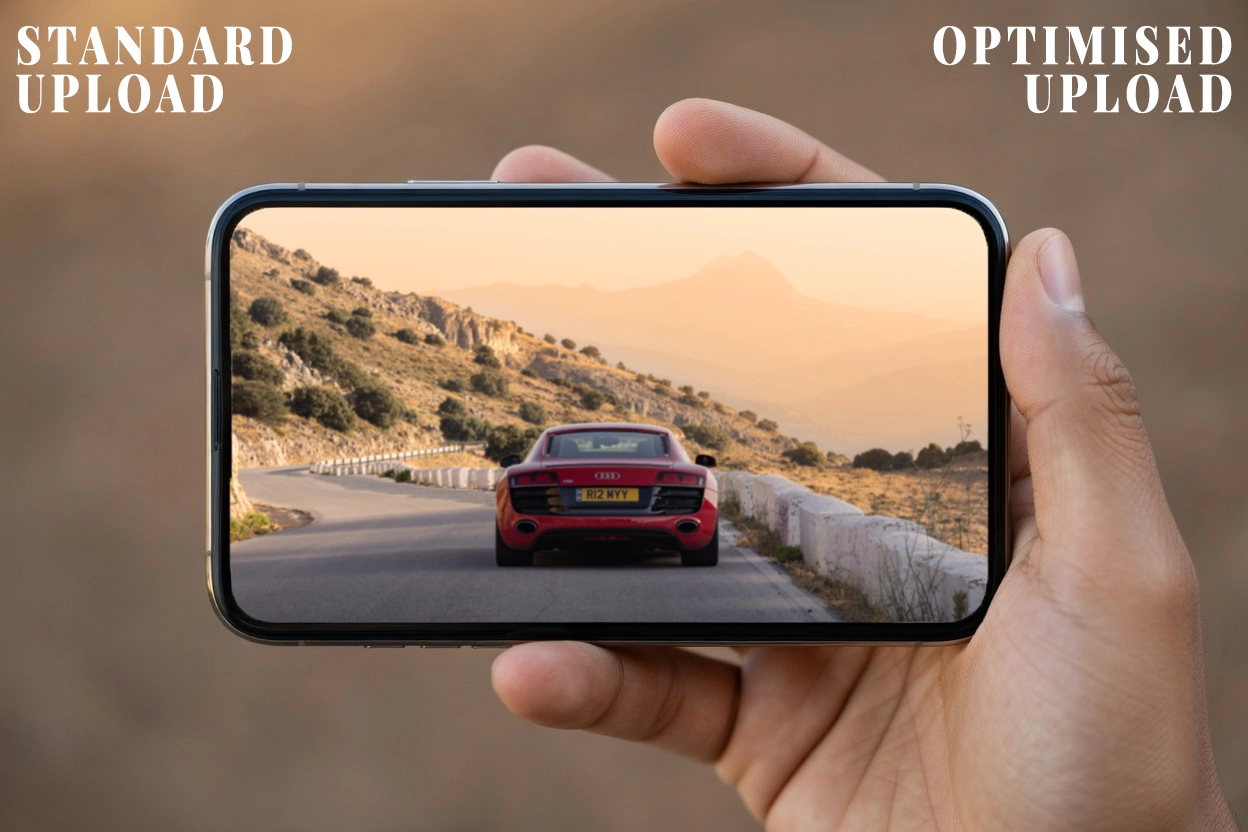
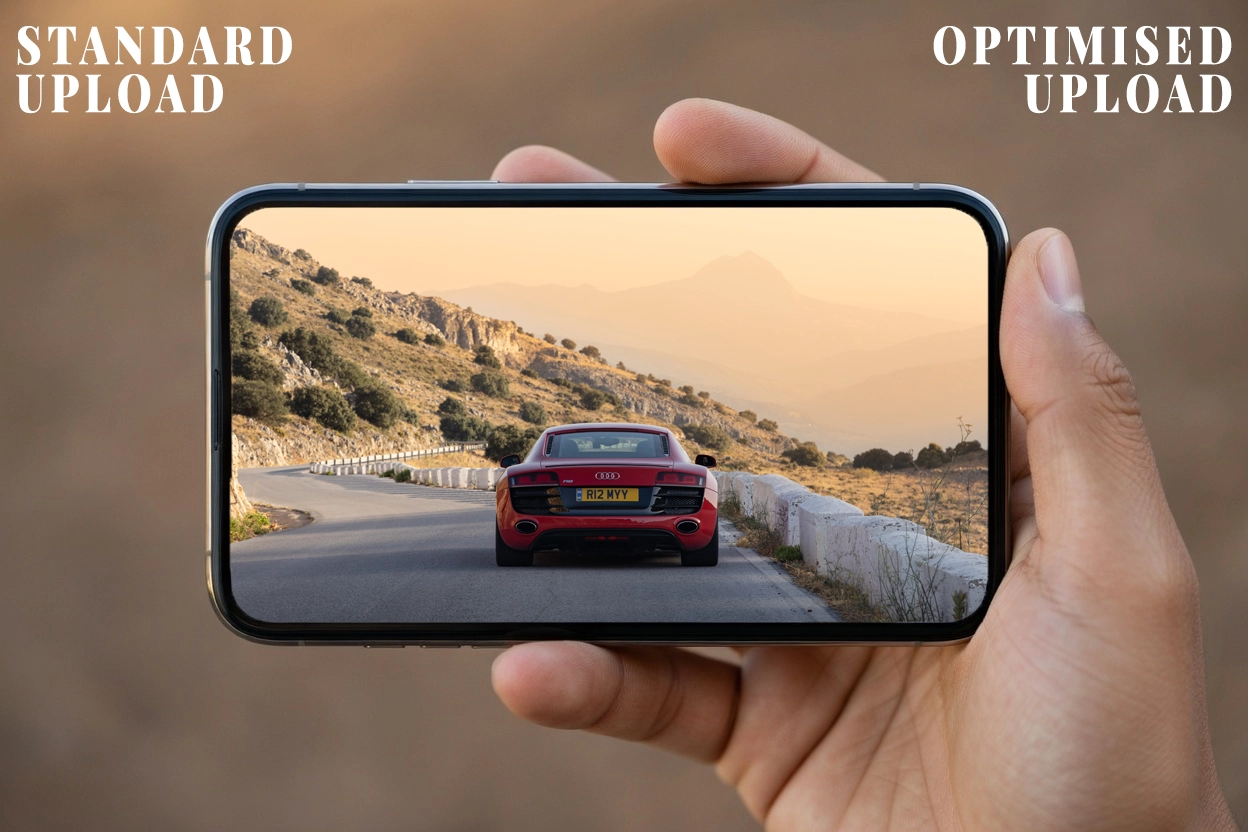
The divider starts at the centre so the improvement reads immediately, then reveals the full optimised image as you drag right.
Interactive Comparison
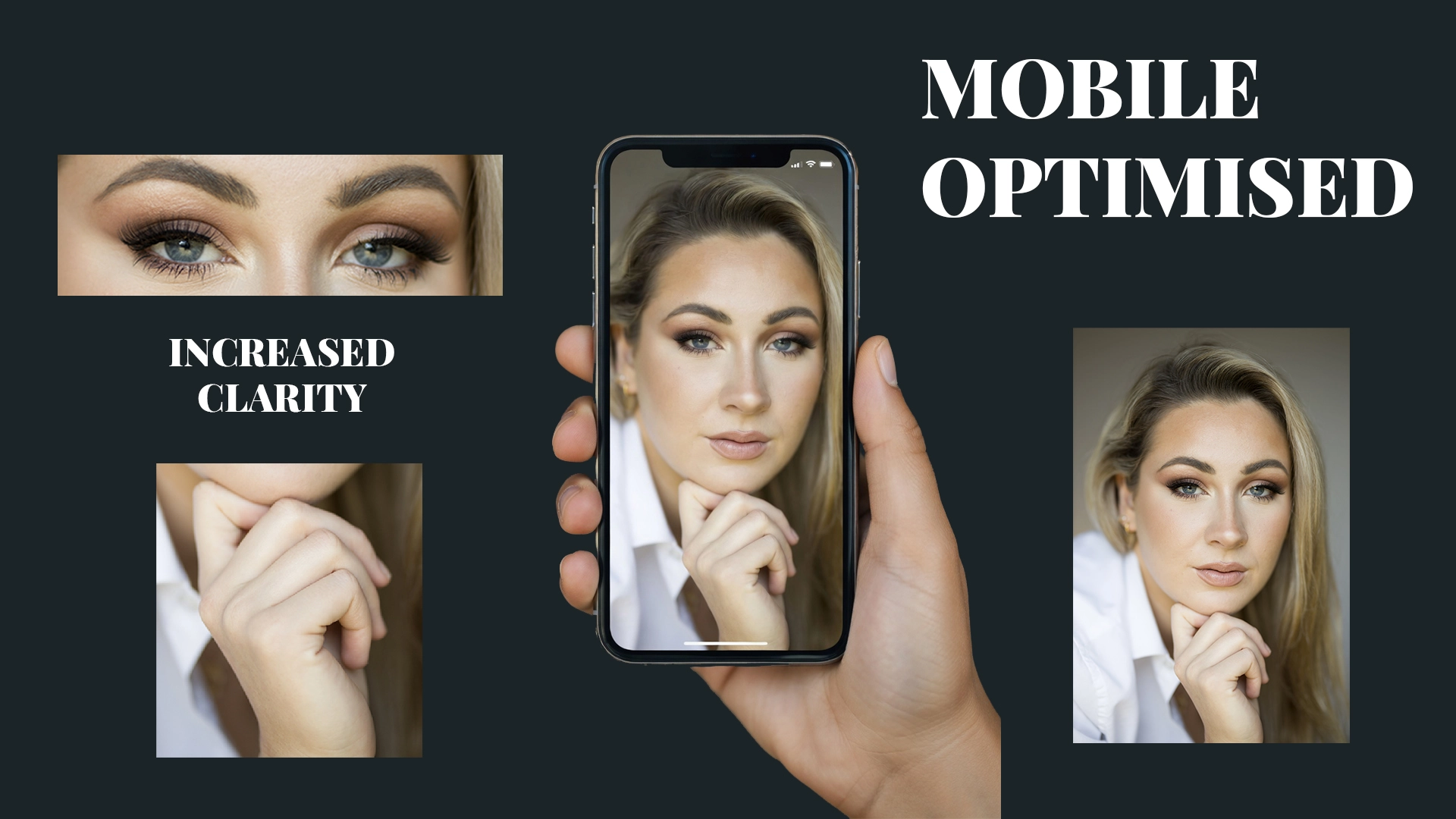
Homepage Feature
Large-format imagery that still feels fast and considered.
This section gives the work room to breathe after the comparison tool, while keeping the homepage focussed on image quality, presentation, and navigation into the portfolio itself.
1920 x 1080
Source Size
Homepage Flow
Placement
Portfolio Areas
Move straight into the work by category.
Each route below acts as a direct entry point into a dedicated showcase page, rather than treating the homepage as a flat gallery of unrelated tiles.
01
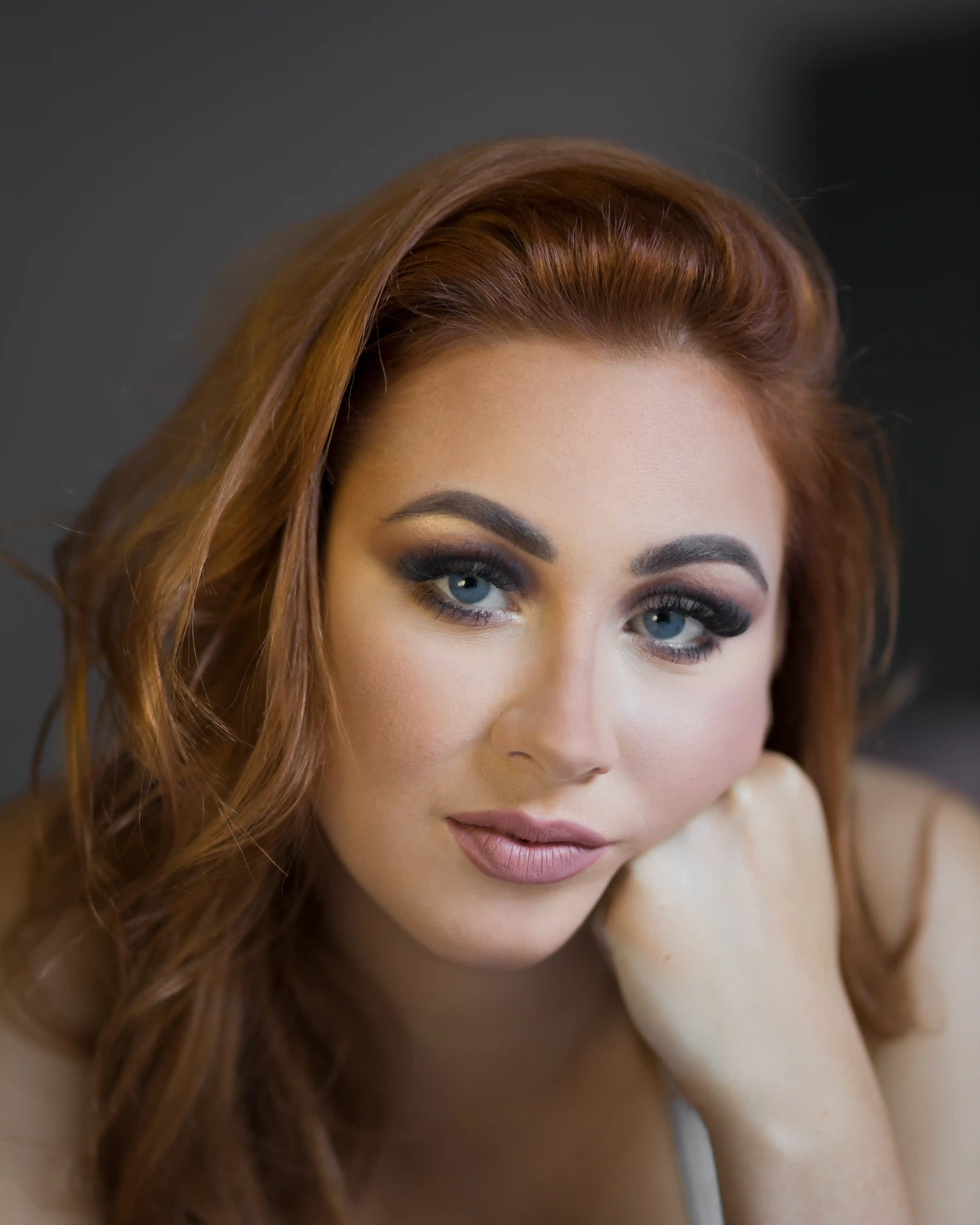
Portraits
Natural light portraiture without studio lighting to capture real emotion and tone.
View Portfolio
02
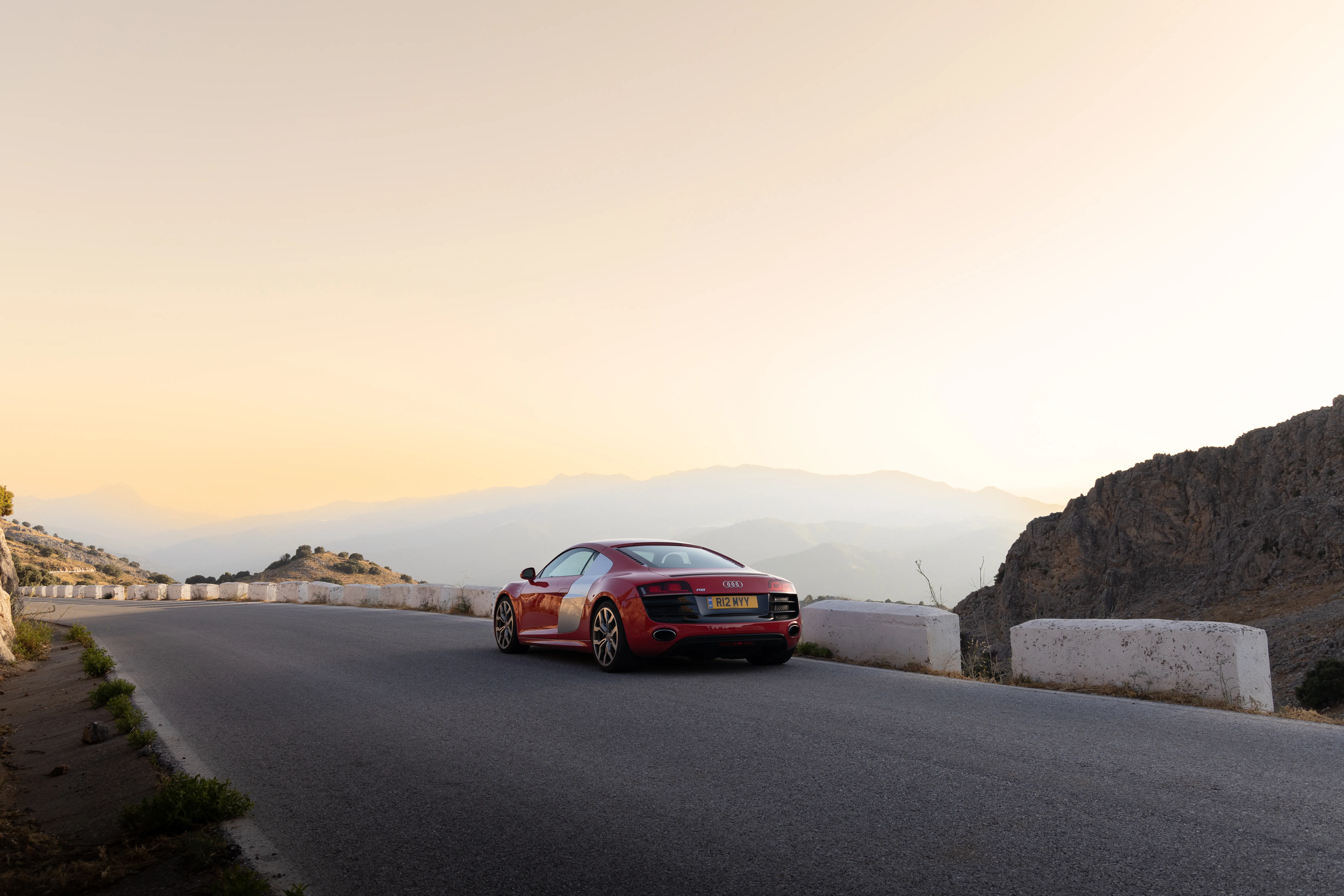
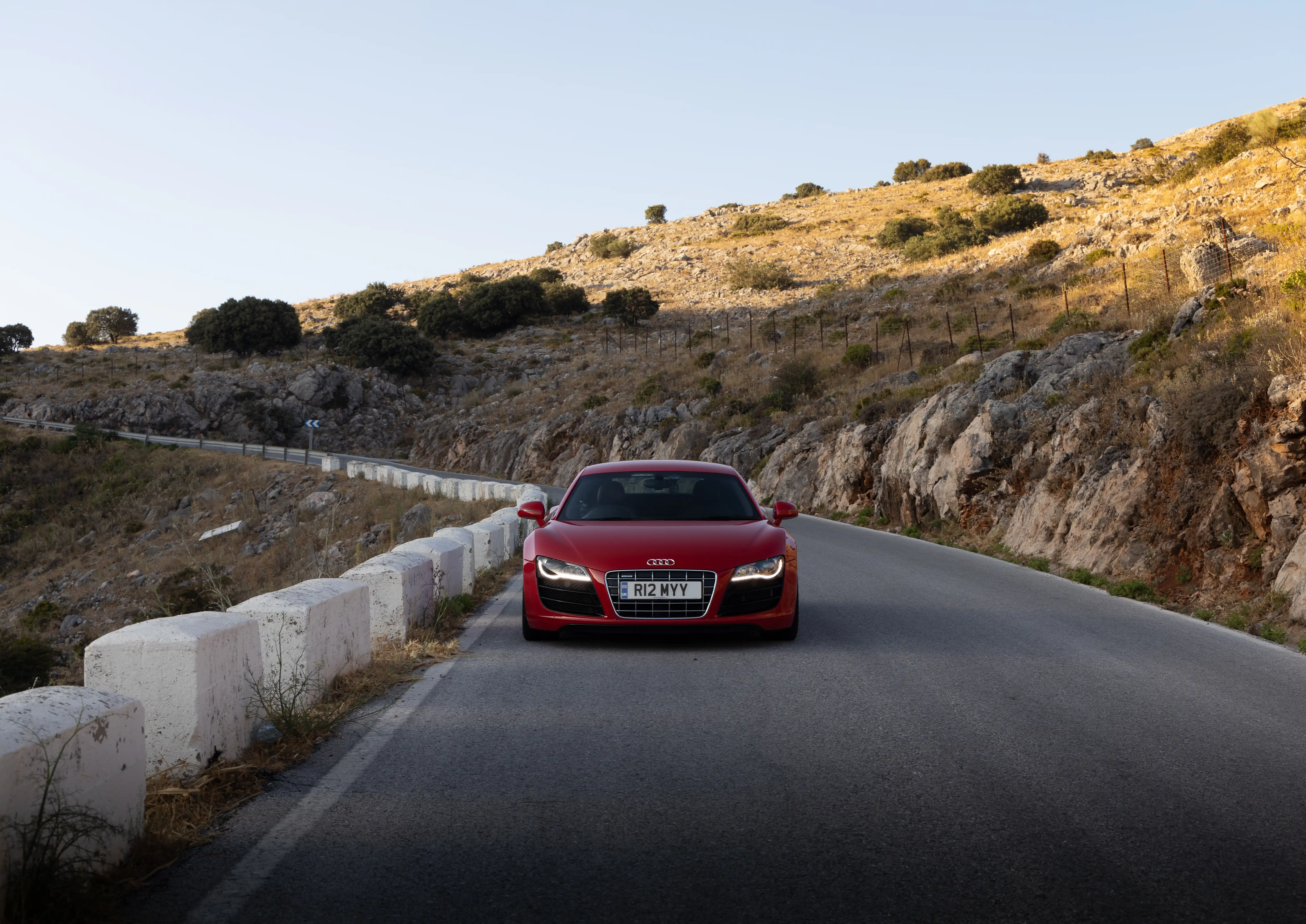
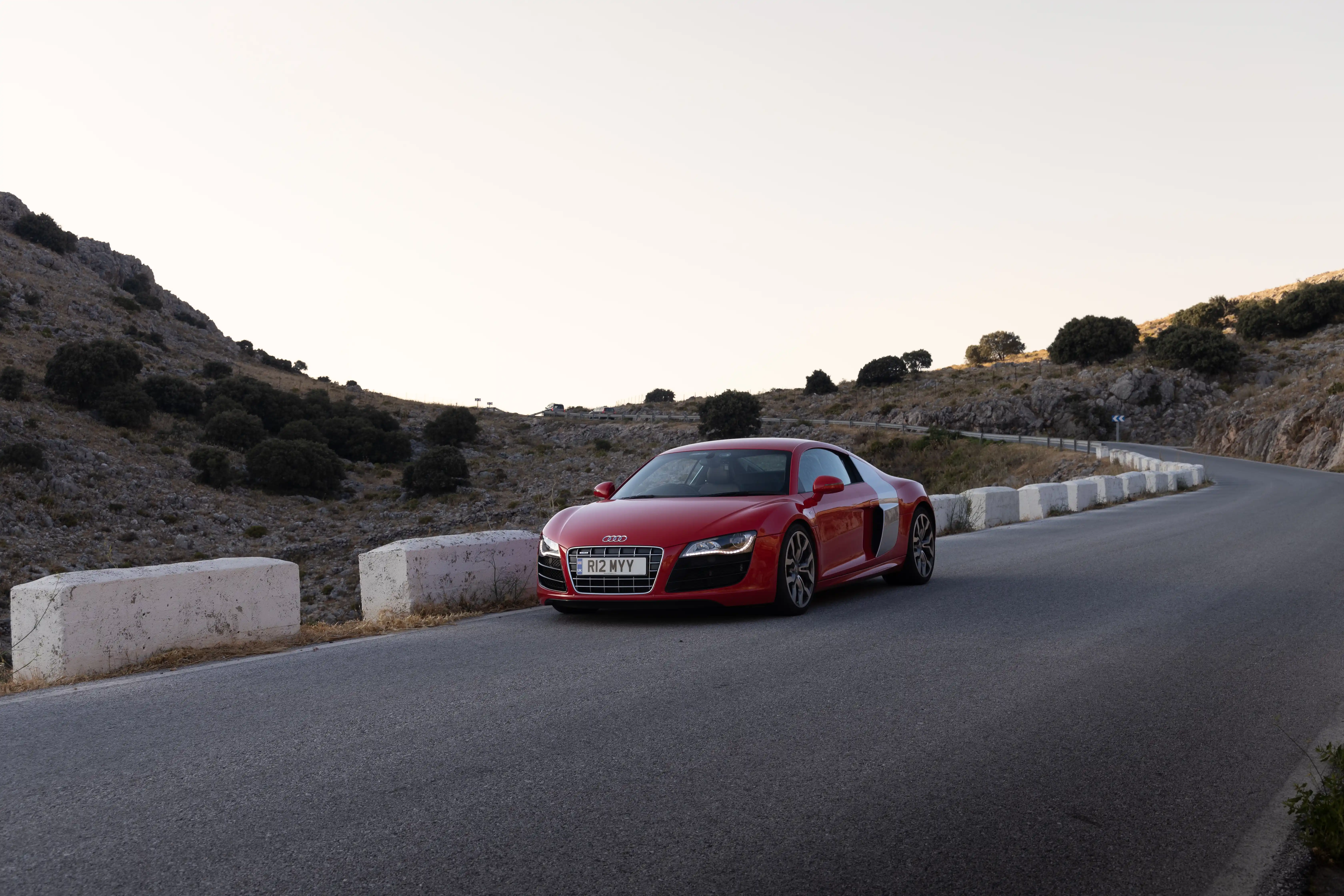
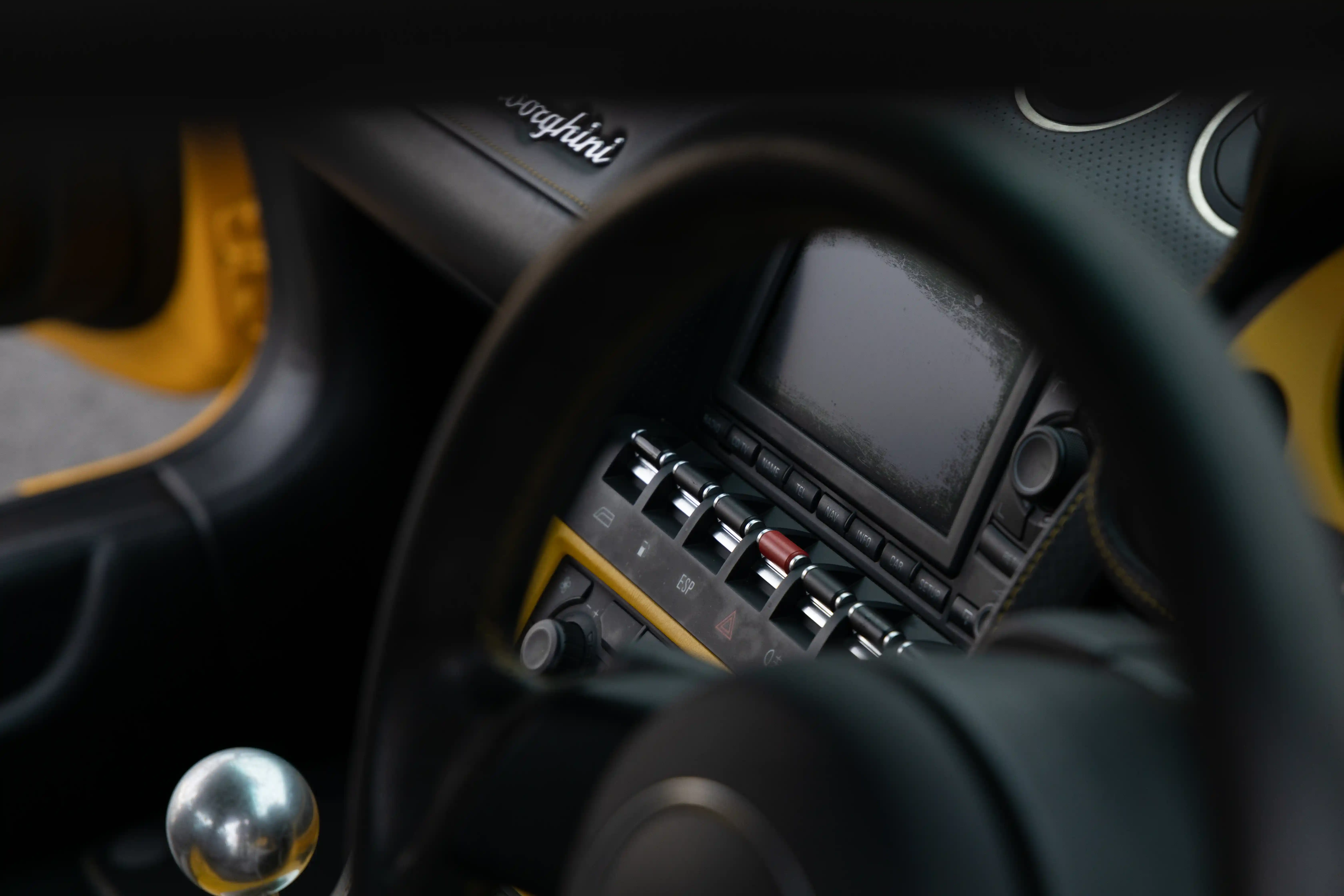
Automotive
Detailed automotive imagery built to show presence, finish, and the specific identity of each car.
View Portfolio
03
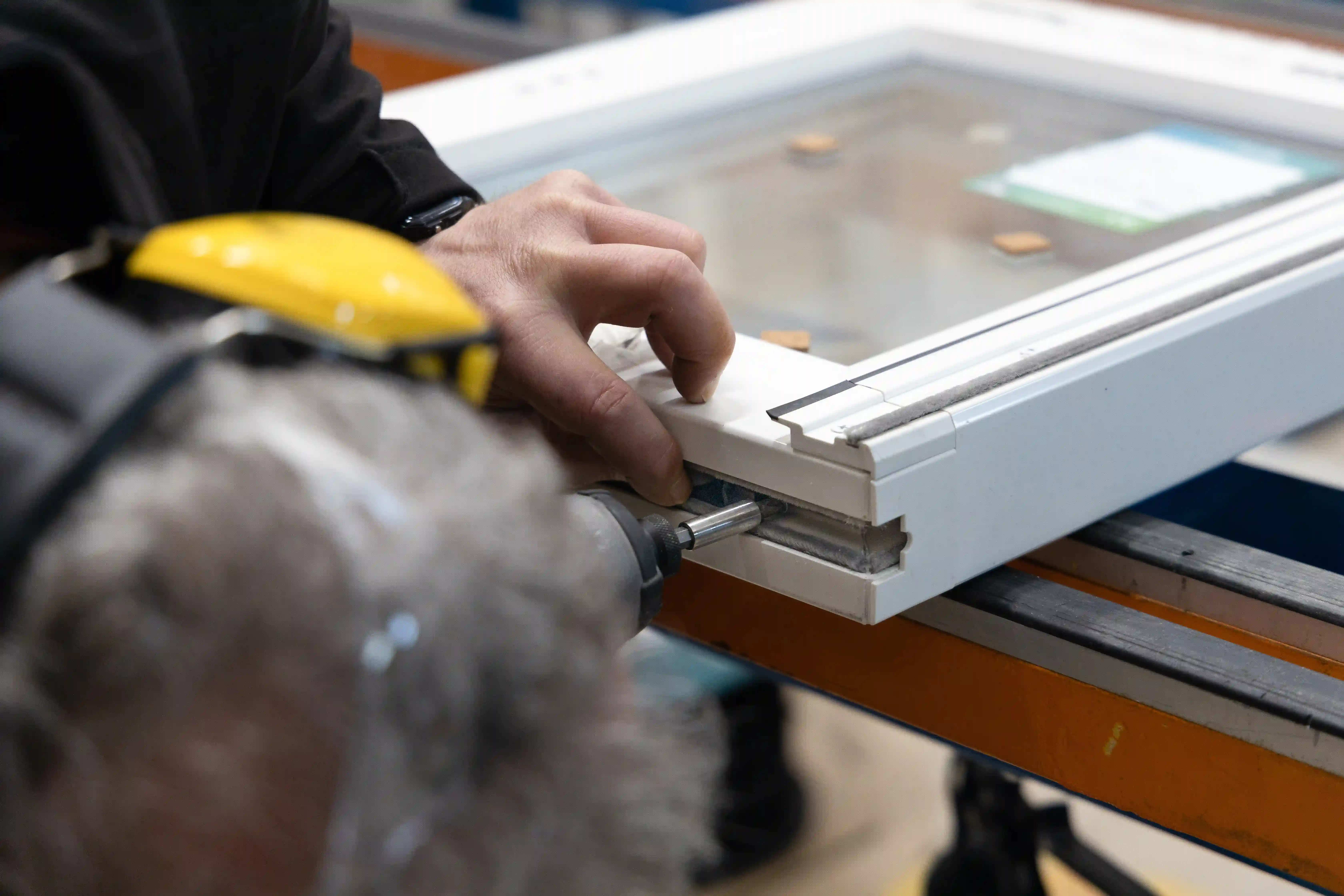
Commercial
Commercial shoots designed around brand identity, campaign use, and polished storytelling for real businesses.
View Portfolio
04
Products
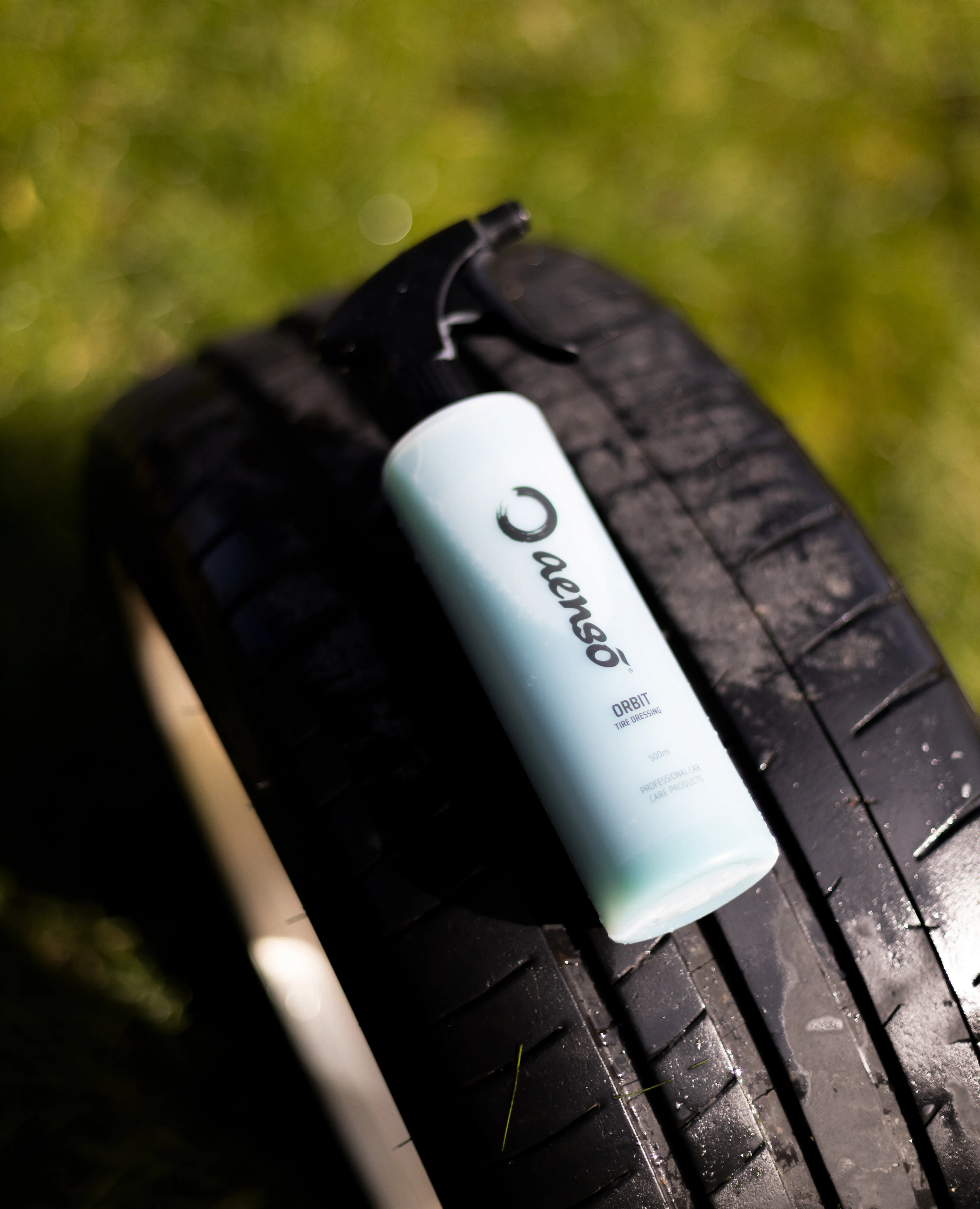
Commercial product photography that keeps surfaces, materials, and form feeling clear and premium.
View Portfolio
05
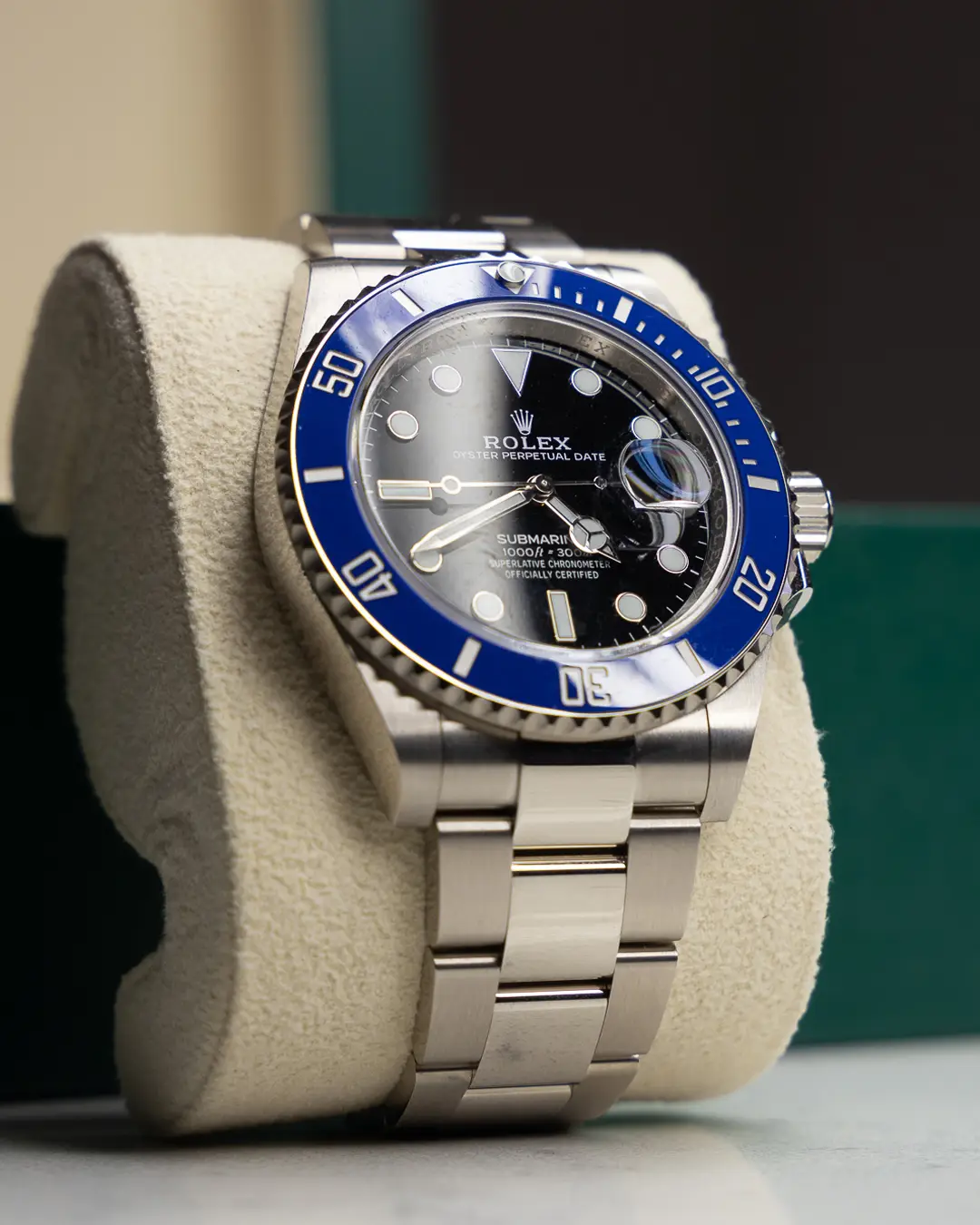
Luxury Watches
Close-detail watch imagery focused on texture, polish, and the precision of premium finishing.
View Portfolio